
One master schedule. Total alignment.
By integrating schedules, quotes, and engineering drawing data, OmniAlign eliminates data silos and keeps every stakeholder aligned to the same master timeline — from bid to release.
Project Management Core
Central command for schedules, milestones, and cross-team dependencies, from bid to release — one timeline everyone works from.
User & Profile Management
Role-based access ensures the right people see the right data, securely, every time.
Secure Storage
Enterprise-grade, governed document storage in secure cloud storage, connected to the tools your team already trusts.
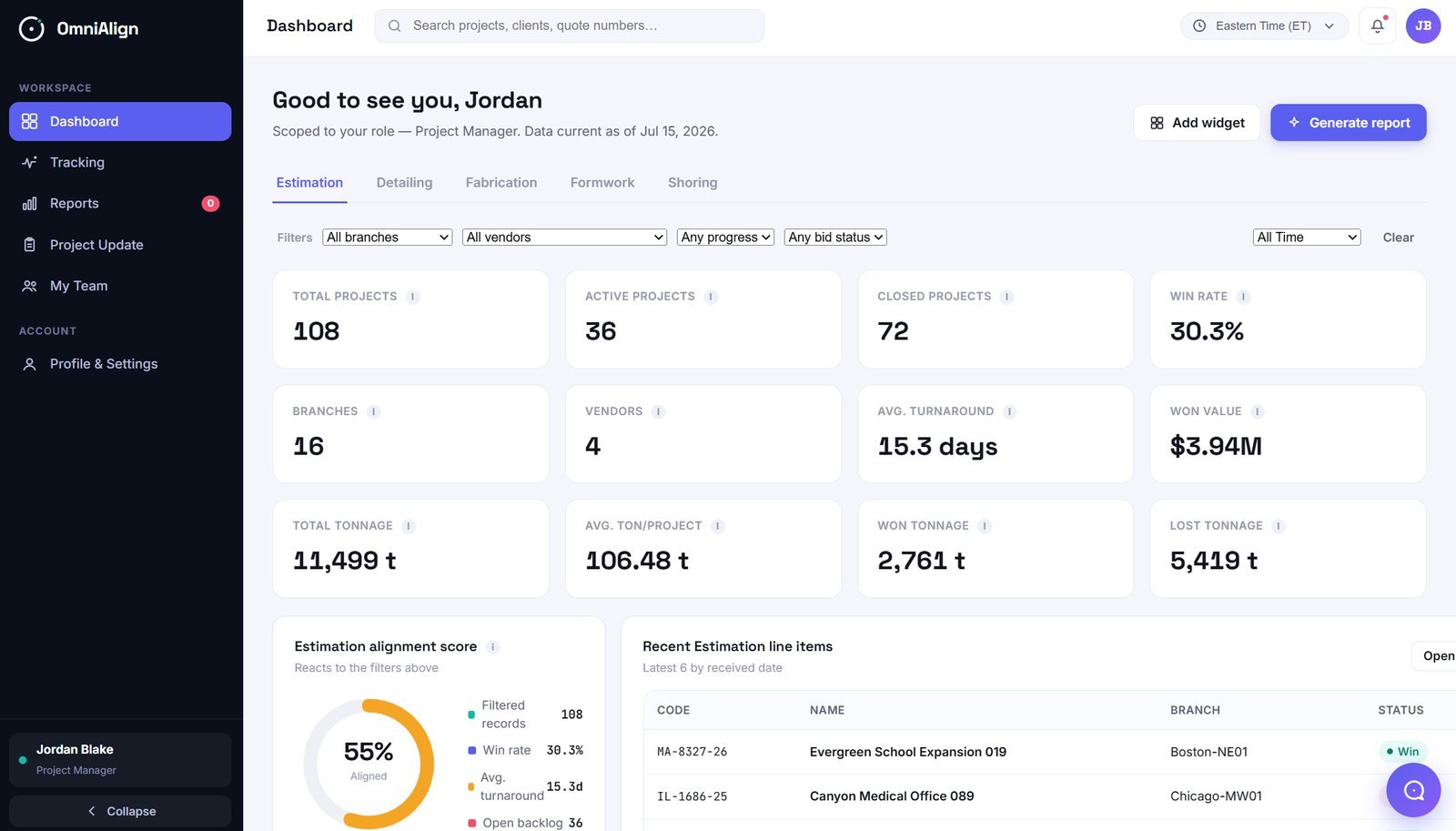
An attractive, simple interface — for every role
One design serves every profile, differentiated only by menu content and data scope — never by a separate product.
- Universal search across everything available in the portal
- Time-zone display and selection — all information updates automatically
- A profile panel with role, terms & privacy, software version, and settings
- A centralized alerts and notifications panel
- An OmniBot entry point for conversational, natural-language questions
Every action, one governed trail
Full accountability, without slowing anyone down
Any login/logout, modification, or update is recorded with sufficient detail — who, when, and what changed — for quality control and future audit. Admin-category users can download the full audit history through the portal at any time.
See your own schedule inside OmniAlign
Bring one active project — we'll show you the master timeline, dependencies, and audit trail live.