
Everything your team touches, every day
Six connected features — Dashboard, Tracking, Reports, Analytics, OmniBot, and Project Update — sharing one source of truth, on web and mobile app.
Your portfolio, at a glance
A configurable home screen scoped to your role — KPI tiles, an alignment score, and recent activity, filterable by branch, vendor, progress, and bid status.
Explore Dashboard Configuration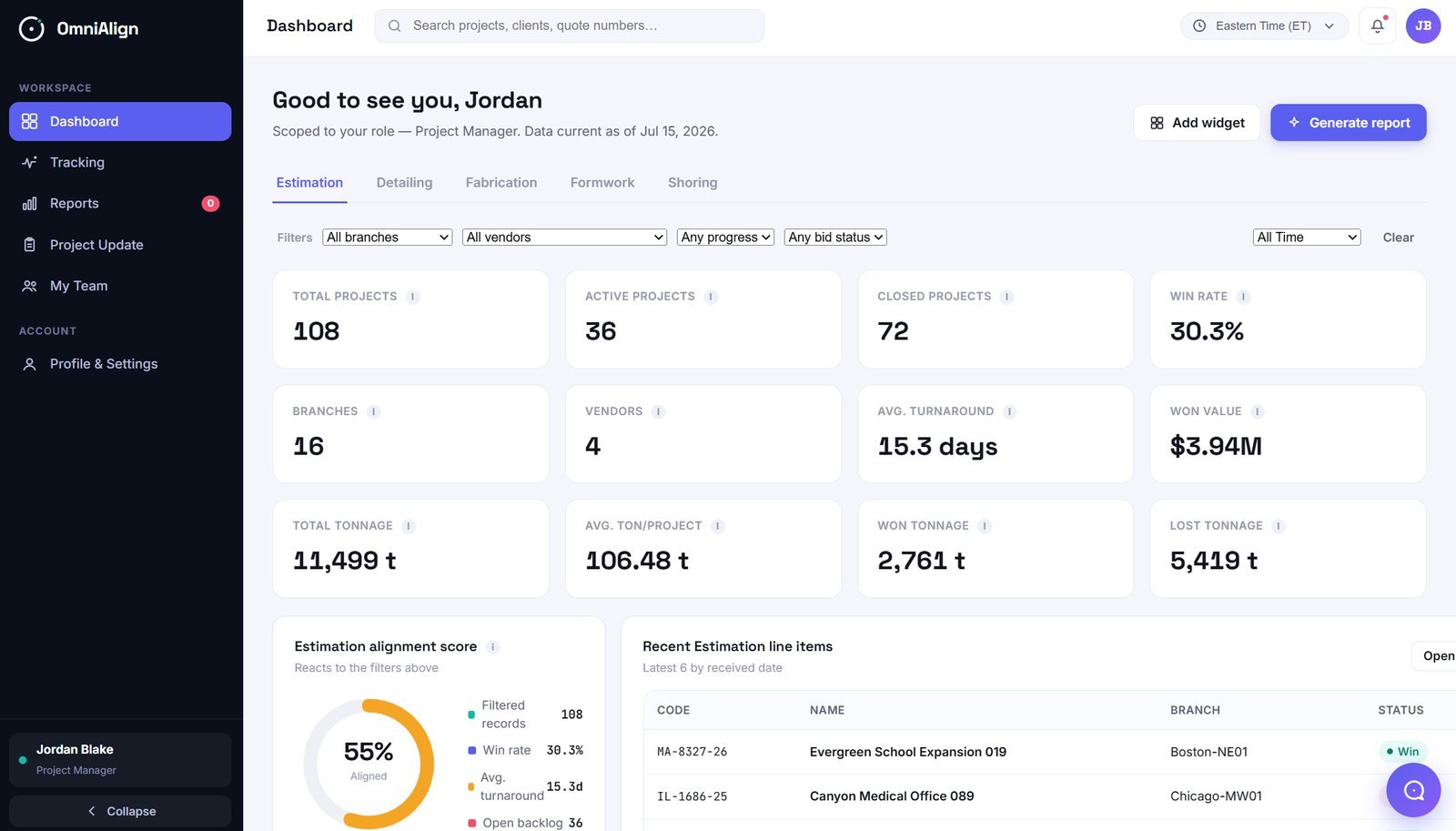
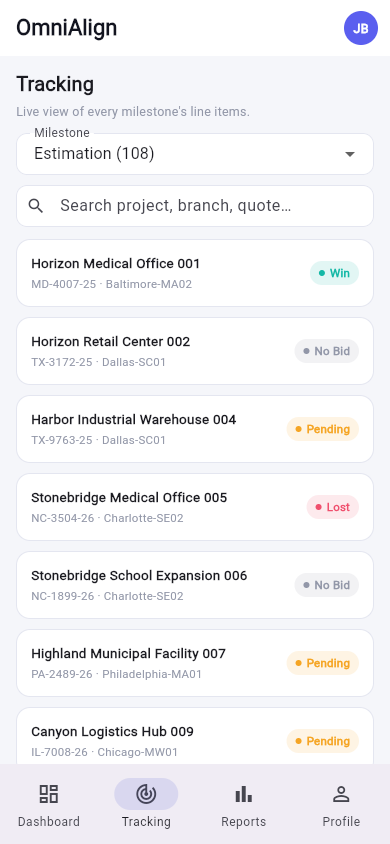
A live view of every line item
See every project's status the moment it changes — searchable by project, branch, or quote number, and filterable down to a single milestone.
A ready-made catalog, one click away
Weekly, monthly, and ad hoc reports across every operational category — download instantly, or generate a custom report scoped to region, branch, vendor, and date range.
Explore the Report Engine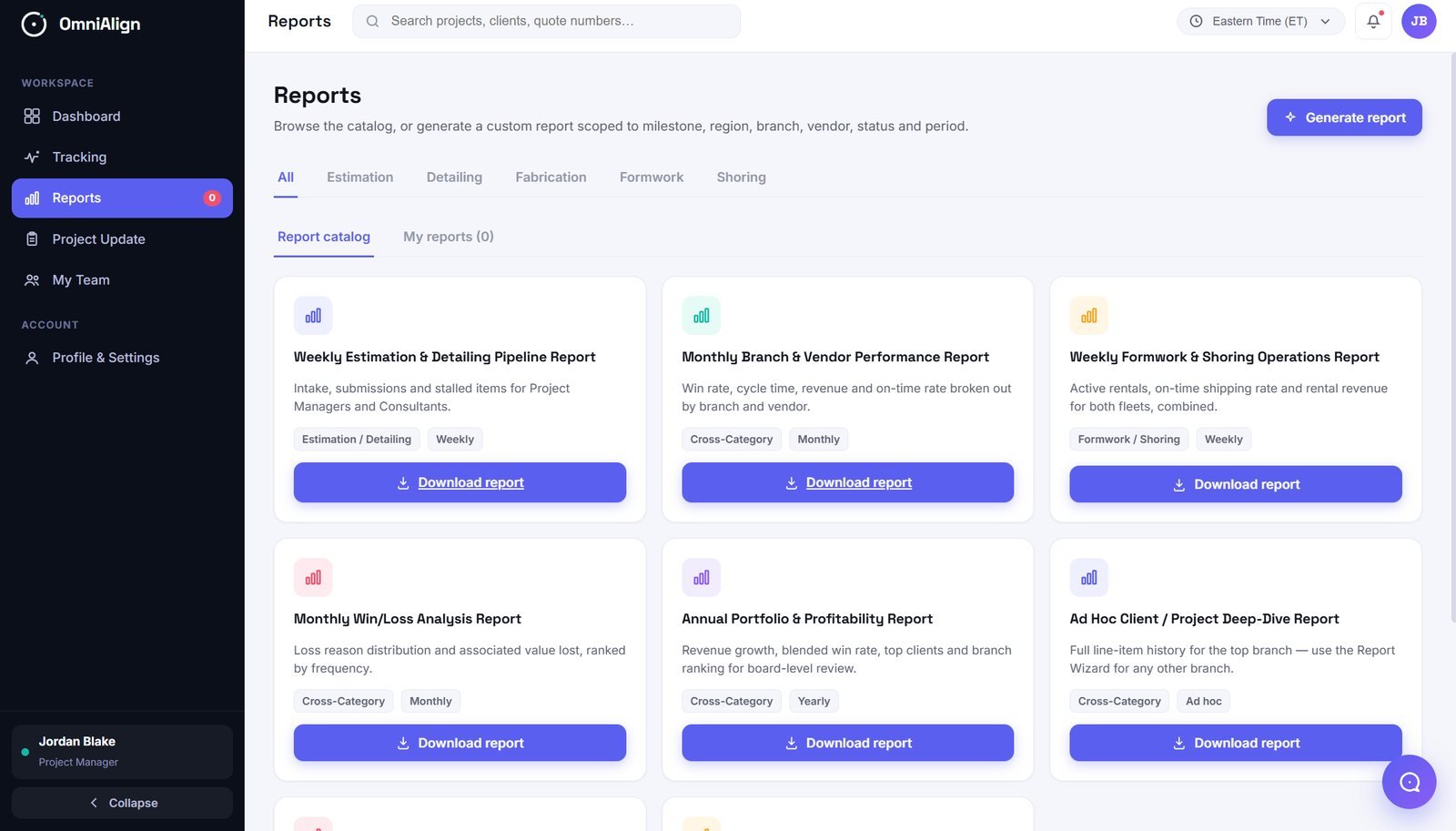
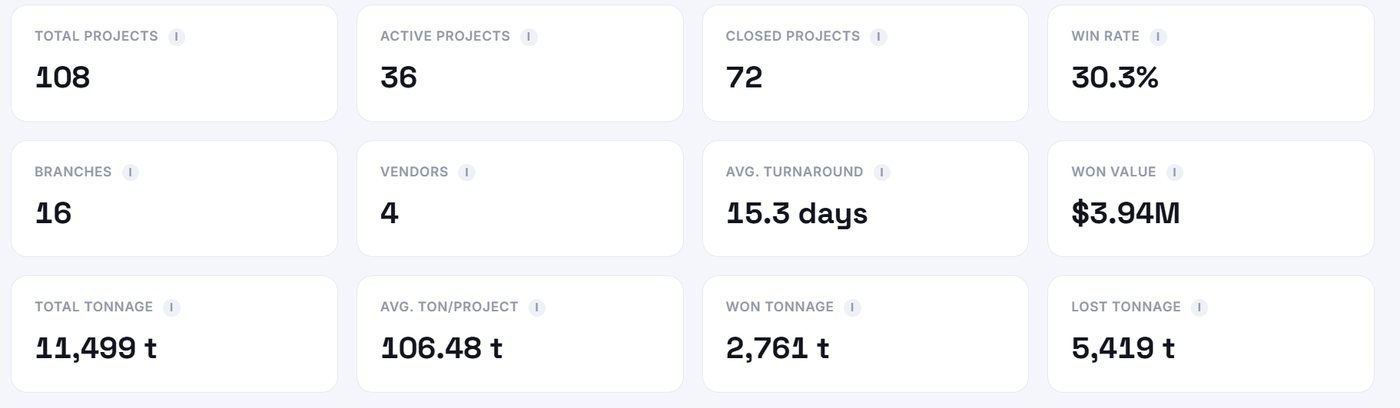
Numbers you can act on
Win rate, turnaround, tonnage, and value — calculated automatically from your own project data, and ready to power any dashboard tile or report.
Explore the KPI EngineAsk a question, get a straight answer
OmniBot answers natural-language questions about your live tracking data — win rates, branch performance, aging quotes — scoped to what you're permitted to see.
Learn about OmniBot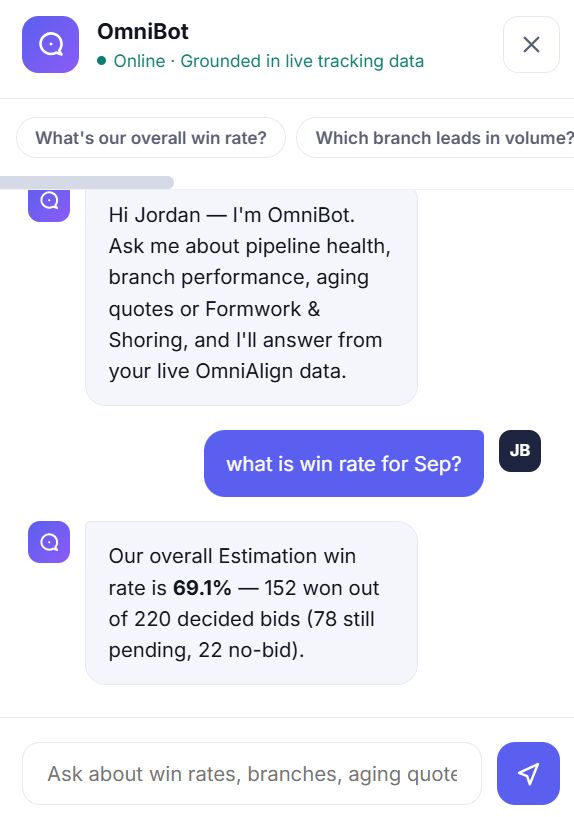
Edit, copy, or create a task — in one place
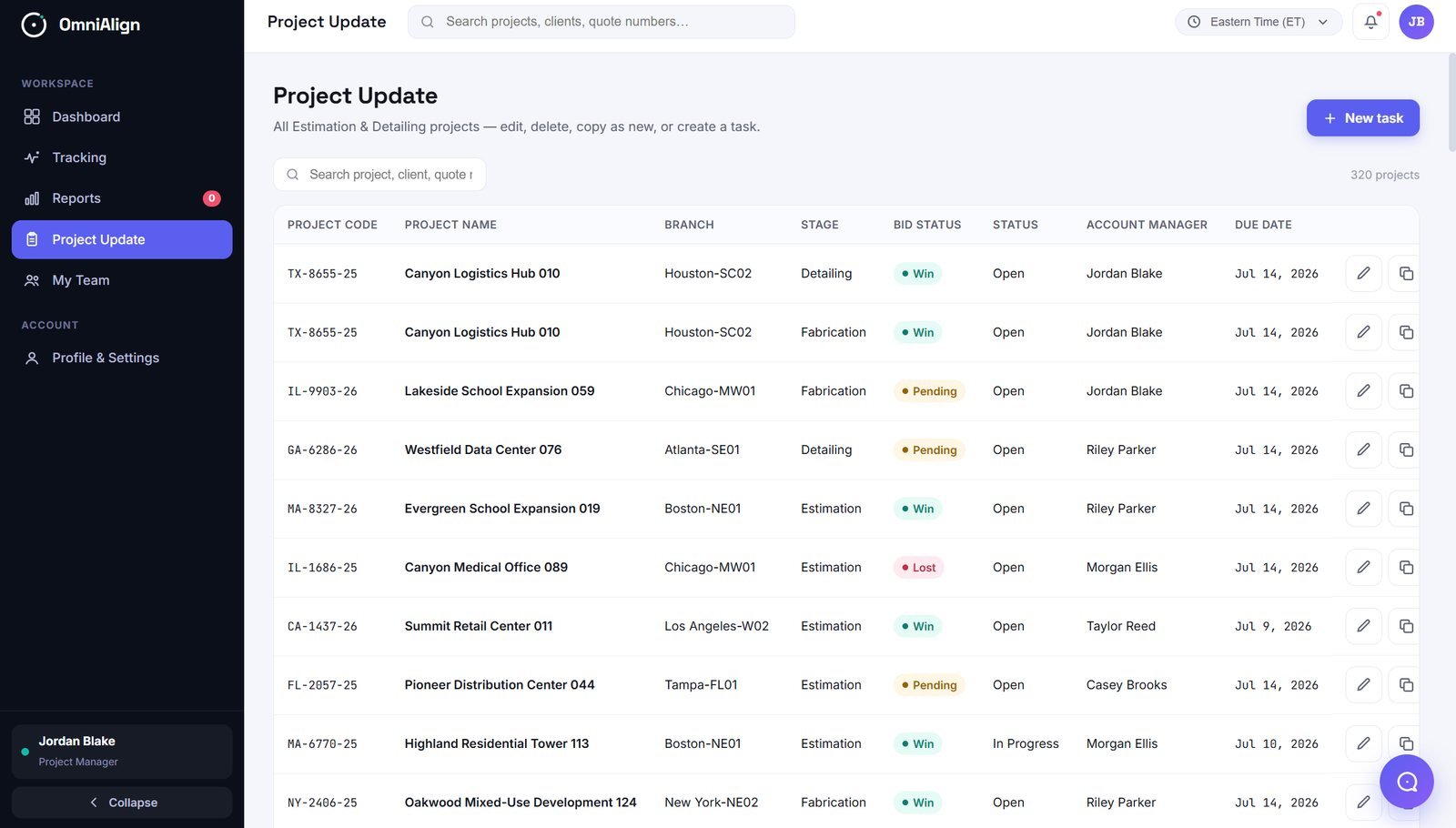
Update a project's stage or status, copy an existing project as a new one, or create a follow-up task directly from the same list — no switching screens.
Explore Project Management